
Push/Pull
One gesture turns a profile into a solid, reshapes a face, or cuts a hole clean through. The heart of modeling in Hew.
Push/Pull (P) is the tool that moves your model between 2D and 3D. It does three jobs with one gesture: extrudes a sketch region into a new solid, reshapes an existing solid by moving one of its faces, and cuts holes straight through.
The gesture
- Click a face — either a filled sketch region or a face of an existing solid.
- Move the cursor — a live ghost preview of the result follows, measured perpendicular to the face. The readout shows the current depth.
- Click again to commit, or type an exact depth (any length format, e.g.
18mm) and pressEnter.
Press Esc at any point to cancel. Committing with no real distance is refused (“Move more before committing push/pull”).
While dragging, you can rest the cursor on any precise snap point in the scene (an endpoint, midpoint, edge, guide, or guide crossing) and the extrusion depth borrows that point’s height. That’s how you pull one box exactly up to the level of another.
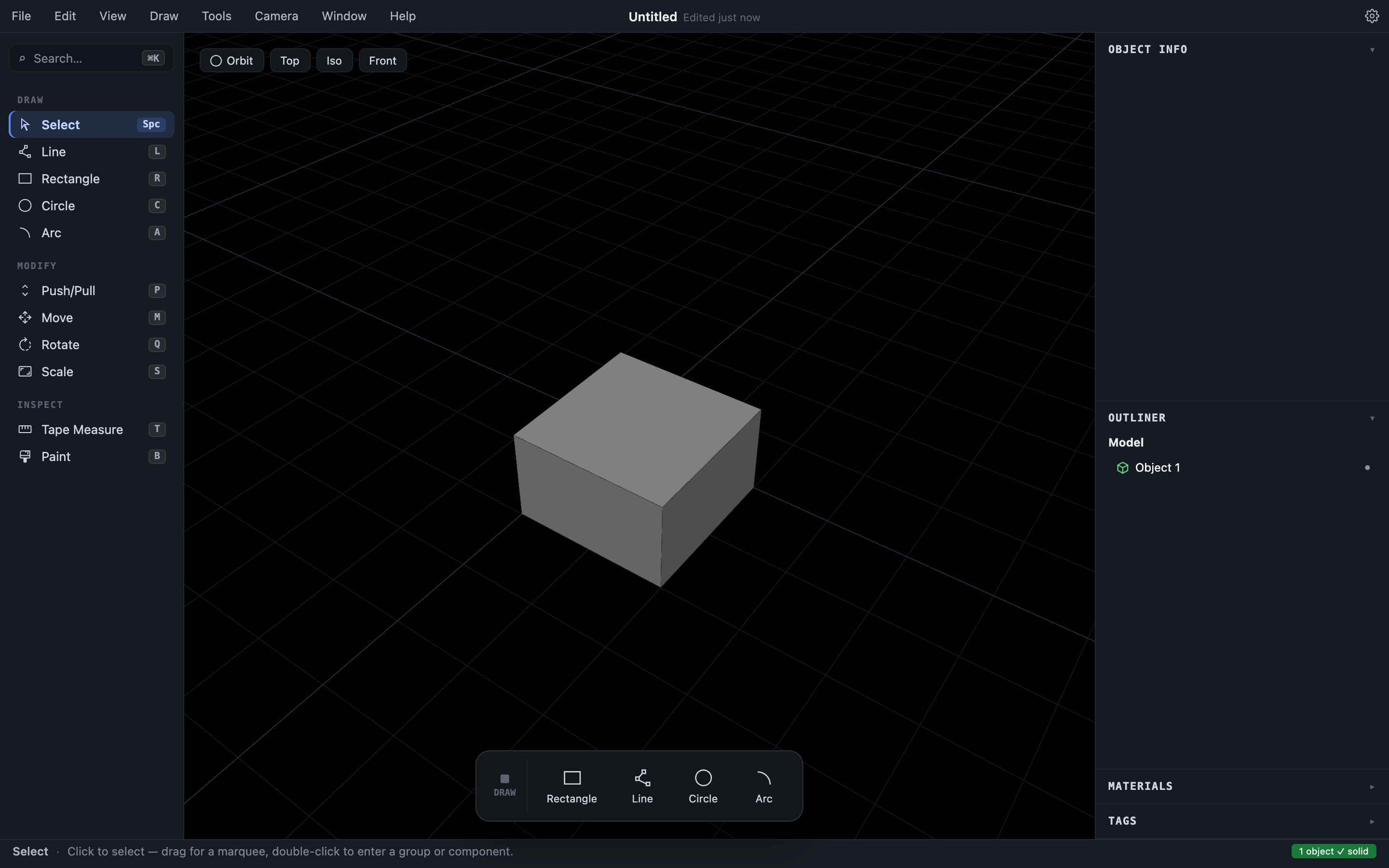
From sketch to solid
Push/pulling a closed sketch region creates a brand-new Object — a watertight solid. This is the only “create geometry” step in Hew; there is no separate group-making or solid-making command. The outline you drew becomes the solid’s base face and leaves the sketch: a sketch is the larval form of a solid, and once it extrudes there is no separate 2D copy lying around. Undo reverses the whole step — the solid disappears and the outline returns, ready to re-extrude.
Solids interpenetrate freely in Hew, so a region drawn over a standing solid extrudes into a second solid coinciding with the first — nothing stops you overlapping or stacking solids. Merging two into one is always a separate, explicit step (a boolean union). If you overlapped something by accident, undo, or move one of the solids apart.
Reshaping a solid
Push/pulling an existing face of a solid moves that face in or out, keeping the object watertight the whole time. Pull the top of a box up to make it taller; push a side inward to make it thinner.
This works on angled faces too, not just box-like geometry. The face moves straight along its own normal, and where a neighbor meets it at an angle a new side wall grows to connect them — pull the cut face of a sliced wedge outward and the wedge gains a prism of material along its slope; pull a facet of a circle-based solid and it grows a small pad.
Pulling outward always works: you are adding a block of material, so there is no limit. Pushing inward works only as far as the shape physically allows — Hew refuses the moment the moving face would run into the rest of the solid, leaving the object unchanged. A wedge’s sloped face, for instance, can’t be pushed in at all: there is nowhere for it to go. Expanding a whole curved surface as one (rather than one facet at a time) is on the roadmap.
Curved walls: push/pull changes the radius
The wall of an extruded circle or arc is a special case. Pushing or pulling any facet of it acts on the whole wall: the radius changes by exactly the distance you drag, using the exact circle the wall remembers. Pull a cylinder’s side outward and the whole cylinder gets fatter; push a hole’s wall toward its center and the hole shrinks. Caps and attached flat walls follow along.
The same refusal rule applies here: if changing the radius would bend a neighboring face or collapse the wall into its own axis, Hew refuses with an error and leaves the model untouched. A wall that a boolean has cut into (say, a cylinder with a flat slice taken off) still resizes — the cut face slides along with the new radius.
Recesses, bosses, and through-cuts
Draw directly on a solid’s face to split it into regions (see Drawing), then push/pull the new region:
- Pull outward → a boss or pad growing from the face.
- Push inward → a recess or pocket.
- Push all the way through → a hole. When the cut passes fully through the solid, Hew removes the swept material entirely. If the cut severs the object into disconnected pieces, each piece becomes its own independent, solid Object.
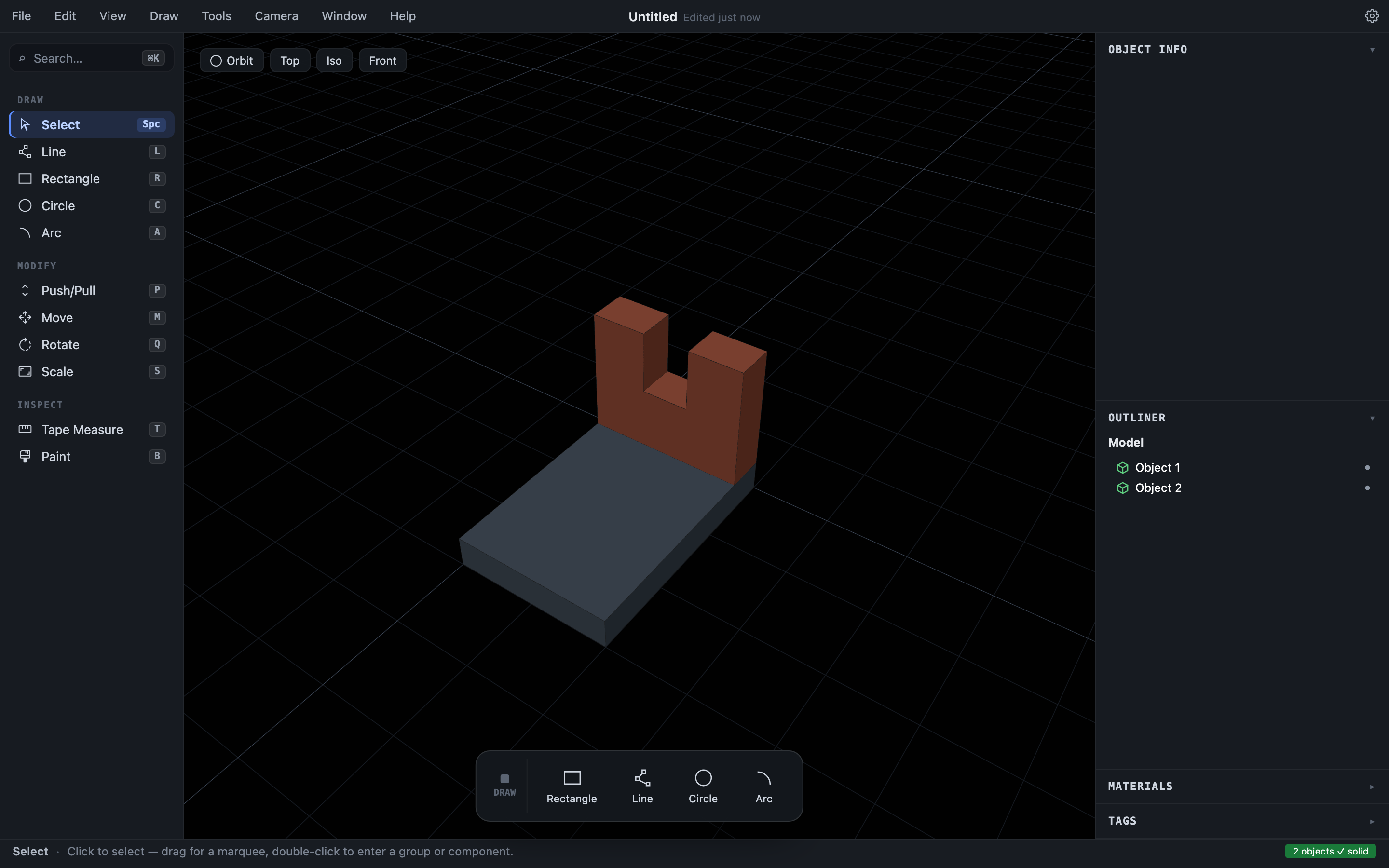
Inside components
Push/pull works inside a component’s editing context too. The edit applies to the component definition, so every instance updates together (Groups and components).